1
Primary role
A: driving video
Provides movement and expression
B: source portrait
Provides the visible subject
Motion transfer
LivePortrait can help you think through a video-to-video workflow: begin with a portrait and a driving clip, then review how movement, expression, and framing carry from one input to the other.
Variant explained
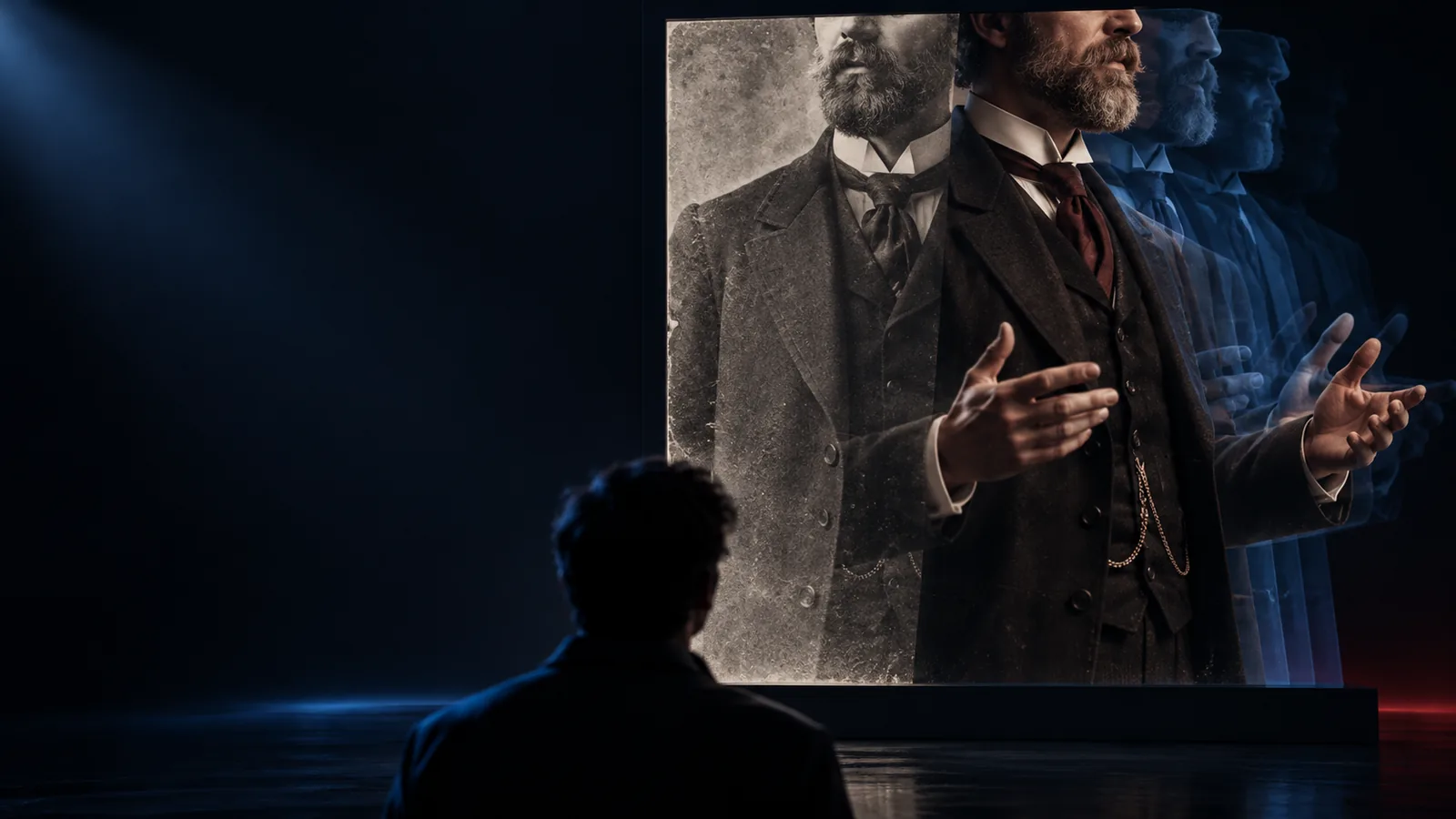
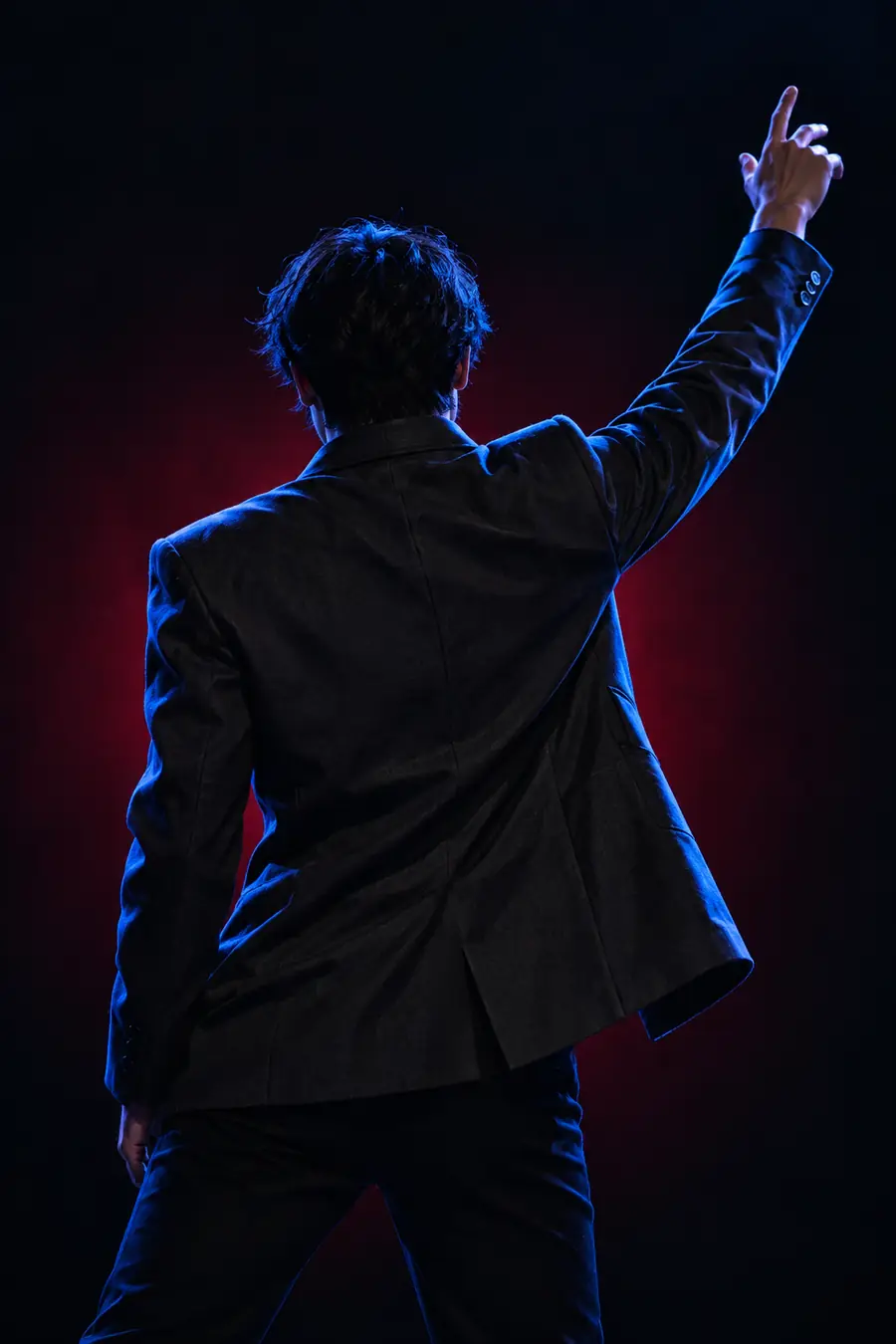
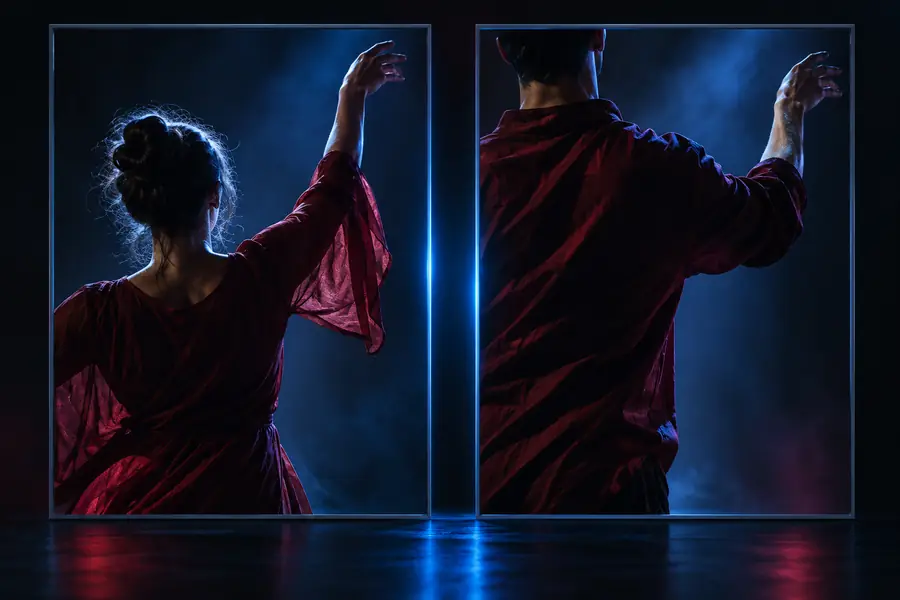
A video-to-video setup uses one moving clip as the motion reference and another visual source as the subject. The useful comparison is not just before and after, but which parts of the source remain stable.
Drag the divider to compare framing, expression, and visible motion.
Input logic
Separating the driving performance from the visual source makes the workflow easier to reason about. These distinctions help you choose inputs before handing the task to a tool.
A: driving video
Provides movement and expression
B: source portrait
Provides the visible subject
A: driving video
A short clip with readable facial motion
B: source portrait
A clear portrait with a stable composition
A: driving video
Motion is sampled from the performance
B: source portrait
The subject is adapted to the motion
A: driving video
Consistent pacing and usable frames
B: source portrait
Identity, pose, and key facial details
A: driving video
Check whether gestures are easy to follow
B: source portrait
Check whether the source still feels recognizable
A: driving video
Poor lighting or occlusion can weaken the signal
B: source portrait
Extreme angles can make transfer less predictable
Practical scenarios
Different creators value different parts of the A-to-B setup. These examples show how LivePortrait can be framed without assuming one universal input style.
You have a finished character portrait and a short performance clip.
Test facial timing before committing to a longer animation pass.
what is a LivePortraitYou need to compare a source portrait with several motion references.
Keep the visual source fixed while reviewing alternate performances.
liveportrait onlineYou want a repeatable handoff between preparation, generation, and review.
Document the two inputs separately so each iteration is easier to diagnose.
how to use live portrait aiYou are evaluating how motion transfer behaves across human and stylized subjects.
Organize tests by source quality, driving motion, and visible artifacts.
liveportrait aiVisual references
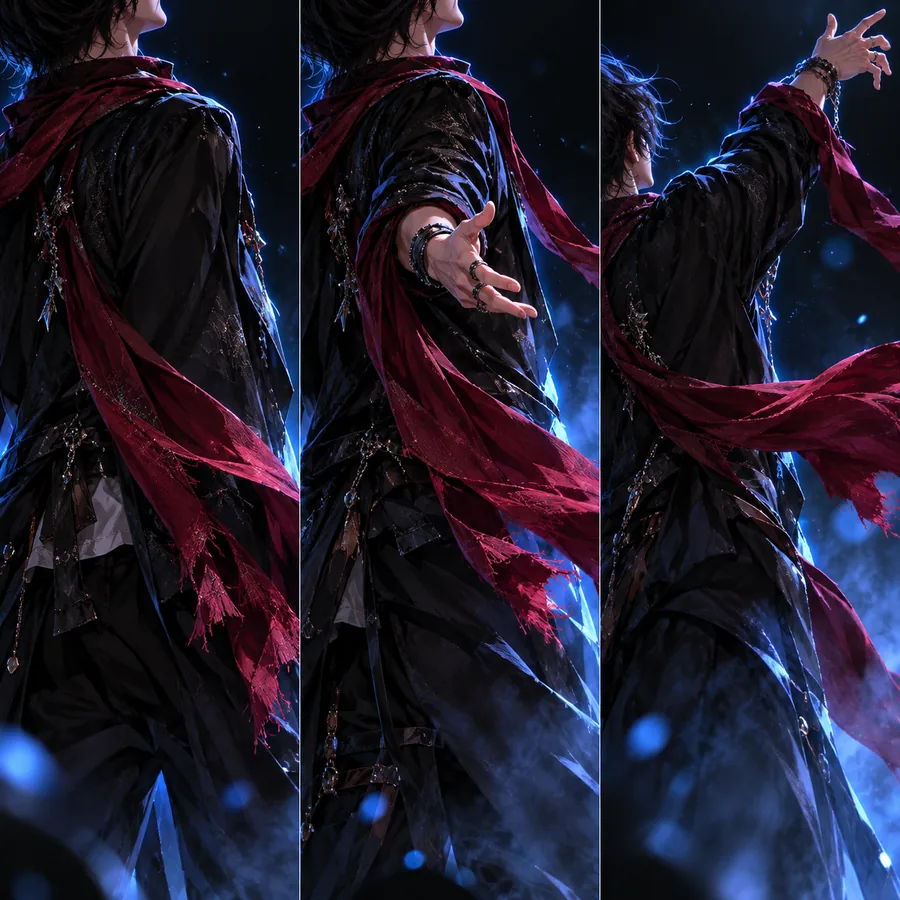
Use these site examples as visual checkpoints rather than fixed promises. The input pairing, crop, and motion reference all influence what a final result may show.
 Expression
 Framing
 Style
Style
Workflow outline
A reliable process keeps source preparation separate from motion review. Start small, inspect the result, and only then adjust the inputs.
Choose a source portrait and a driving clip with compatible framing, visible facial features, and motion you can evaluate.
Hand the two inputs to the chosen LivePortrait workflow and keep the first pass focused on one clear motion goal.
Compare the result with the source, then revise crop, lighting, expression, or reference motion before another pass.
Continue exploring
See how the online surface changes the way you prepare and submit an animation task.
Explore the node-based route when you want more control over a repeatable workflow.
Review the hosted community channel as another way to investigate the model experience.
Next step
Bring a source portrait and a motion reference into your next LivePortrait experiment. A focused first pass makes it easier to see whether the framing, expression, and identity move in the direction you want.
Common questions
It generally describes using a moving reference clip to drive motion in a separate source portrait or character image. The two inputs have different jobs: one supplies movement, while the other supplies the visible subject.
Not necessarily for the workflow concept, but closer facial structure, framing, and expression can make the comparison easier to interpret. Test with simple, clearly visible inputs before trying difficult angles or heavy occlusion.
Choose a clip with readable movement, stable framing, and enough facial detail to inspect. A short reference with one clear expression or gesture is easier to evaluate than a crowded or rapidly changing scene.
The source portrait remains the visual reference, but any motion-transfer result should be reviewed for changes in identity, detail, framing, and expression. Results depend on the inputs and the tool configuration used.