Social video creators
Turn a still portrait into a short opening beat for a reel, post, or channel introduction.
You get a more expressive visual starting point without rebuilding the full edit.
liveportrait onlineWorkflow inspiration
Use liveportrait examples reddit as a starting point for testing portrait animation ideas, reviewing output quality, and shaping a repeatable creative workflow.
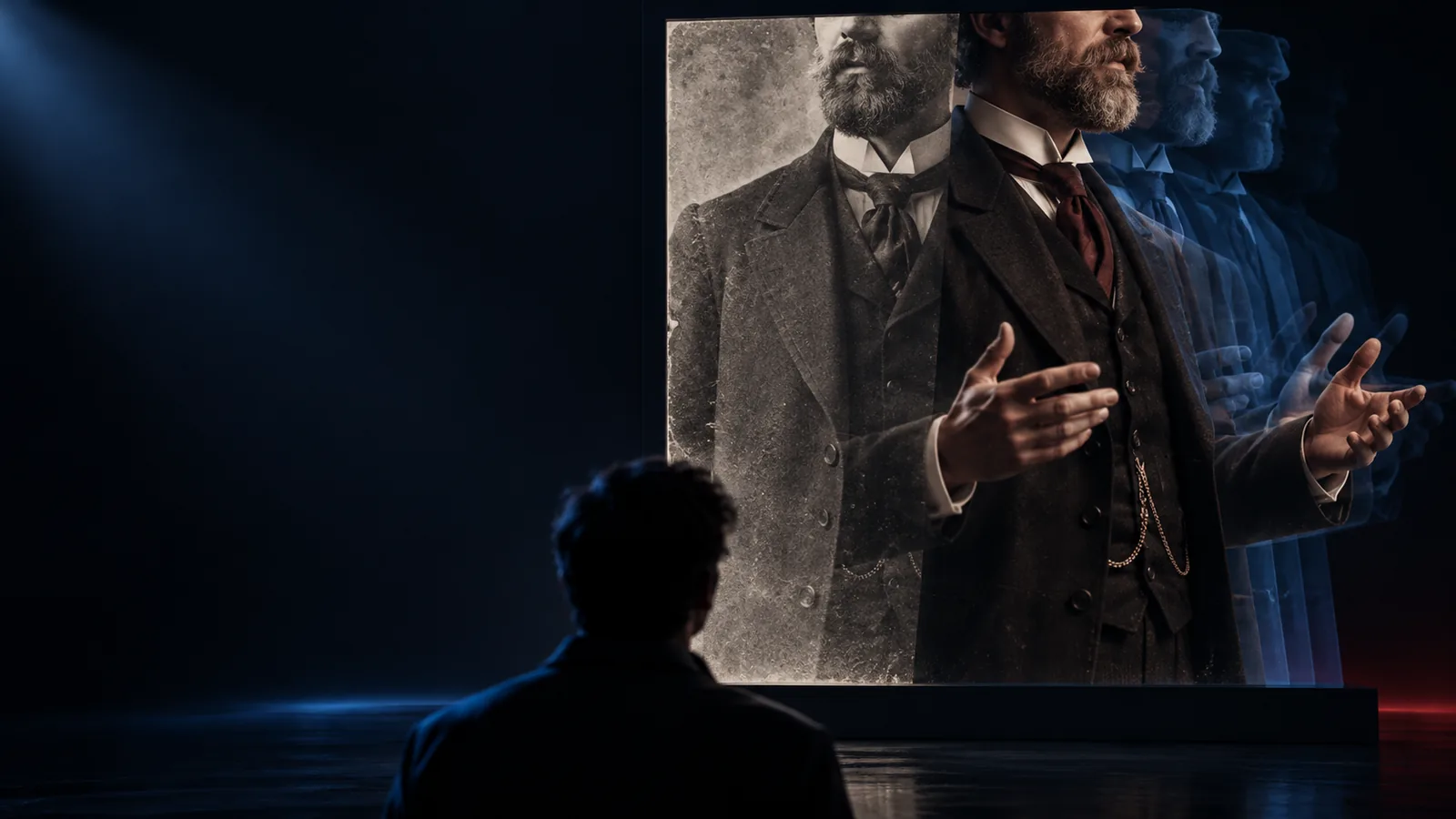
Prompt to result
Most creators already have a subject image, a motion reference, and a place where the finished clip will be shared. These examples show where the prompt fits into that process.
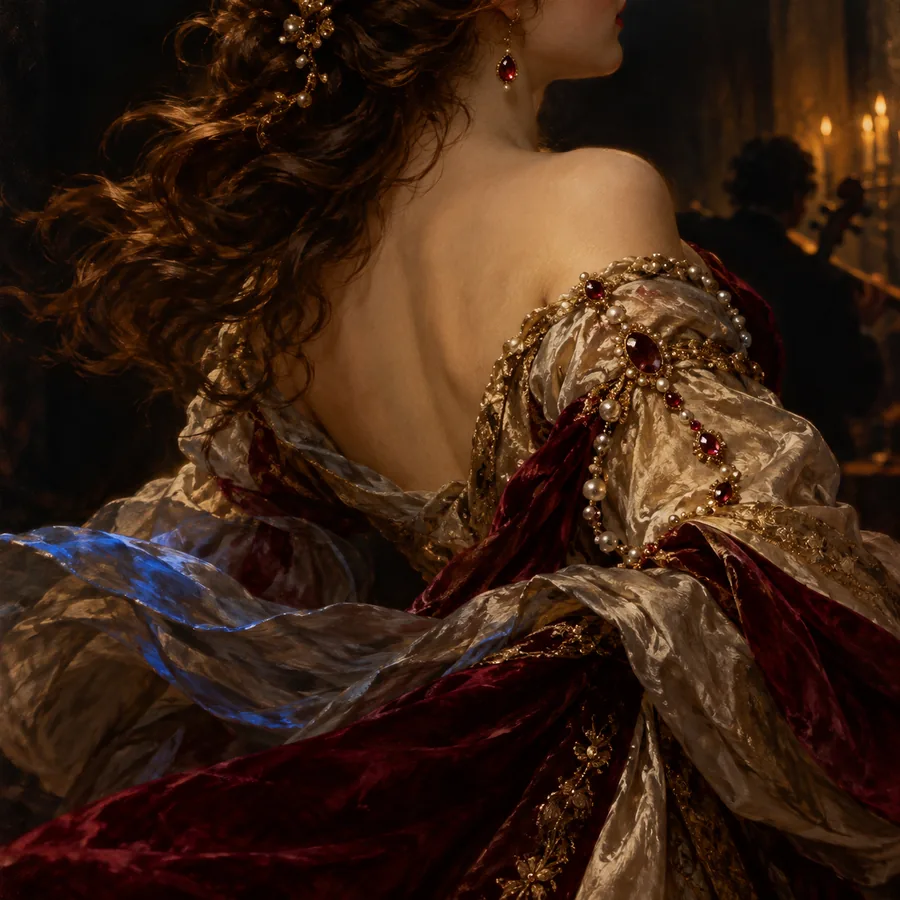 Expression
1
Expression
1
Animate this portrait with a gentle smile, natural blinking, and a slight turn toward the camera.
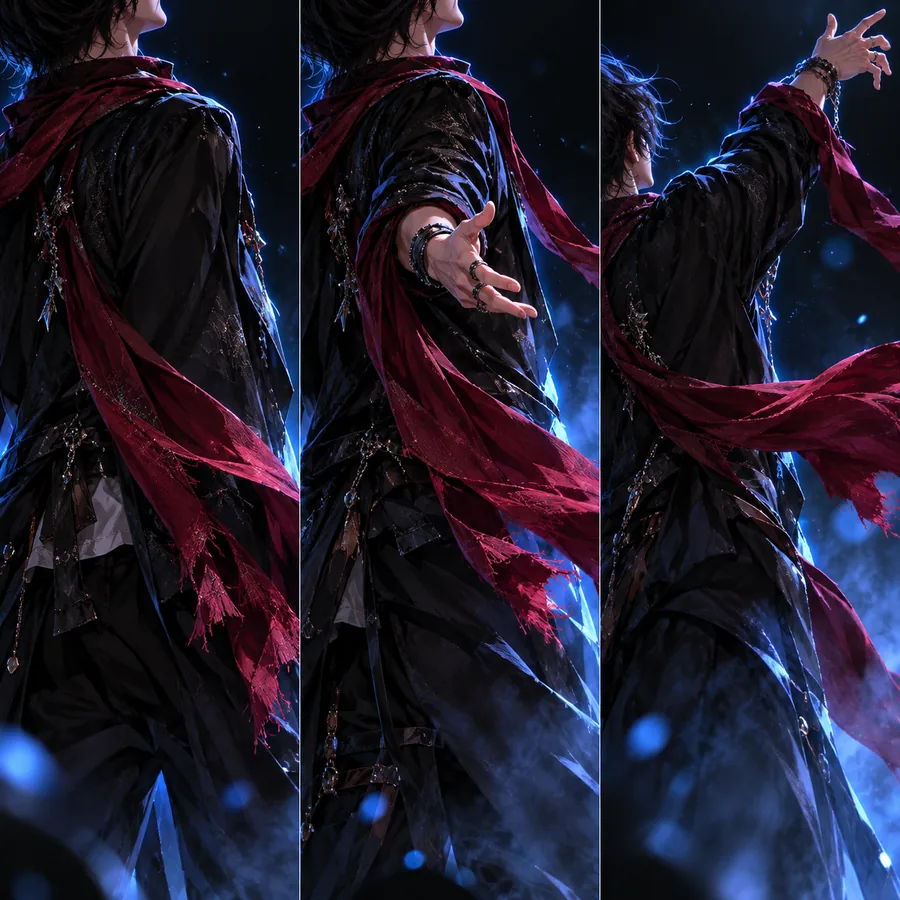 Head turn
2
Head turn
2
Give the subject a calm head turn and soft eye movement while keeping the original face, lighting, and composition.
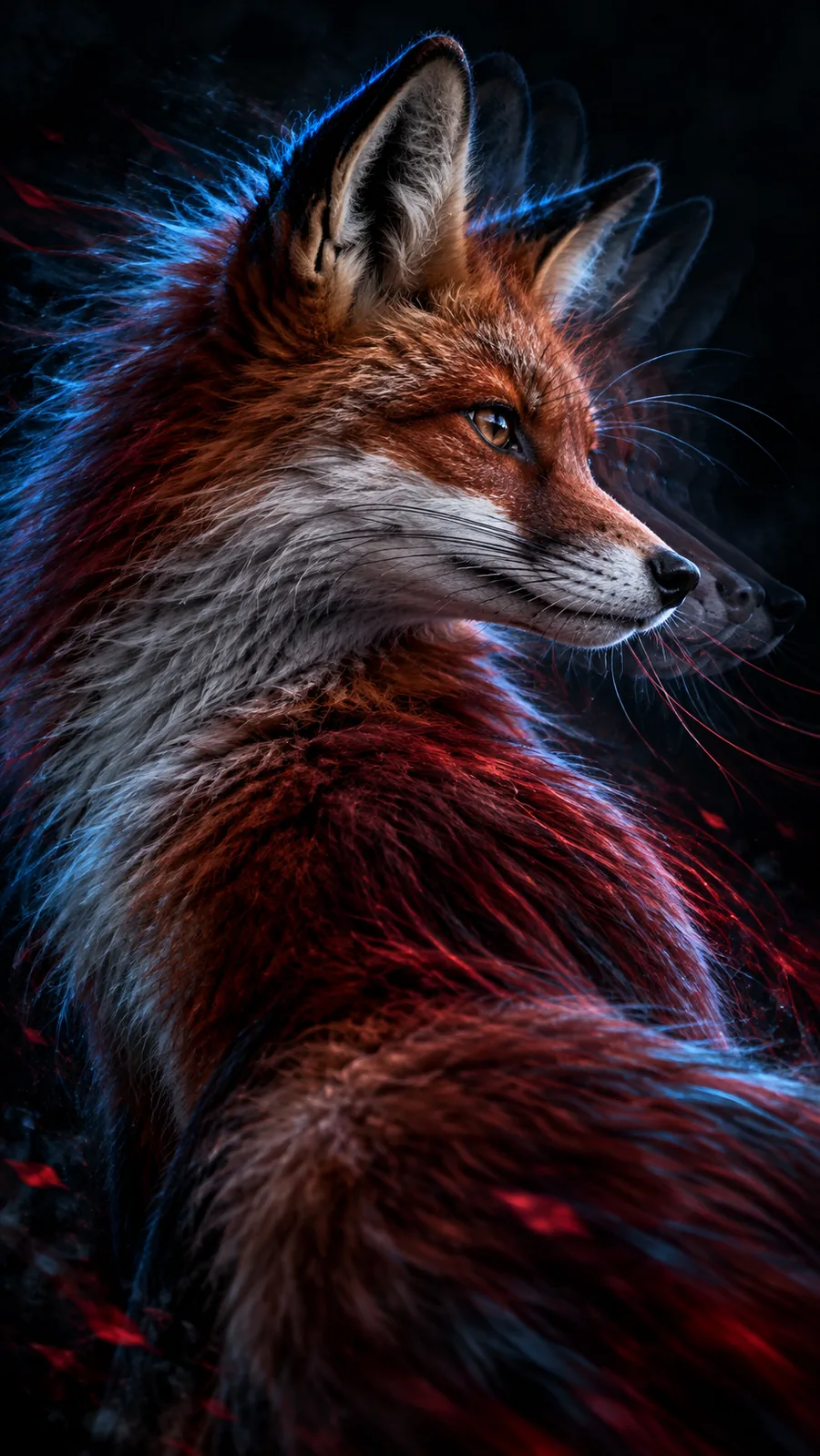 Artwork
3
Artwork
3
Bring this painted portrait to life with delicate blinking, a small smile, and restrained forward-facing movement.
 Animal
4
Animal
4
Animate the dog's face with a curious look, a slight tilt, and natural movement while preserving the original illustration style.
Keep the subject and motion request separate: describe what should move, then protect the visual style you want to preserve.
Use case map
The strongest results come from treating portrait animation as one step inside a larger content system, not as the entire production process.
Turn a still portrait into a short opening beat for a reel, post, or channel introduction.
You get a more expressive visual starting point without rebuilding the full edit.
liveportrait onlineAdd restrained movement to a painted, drawn, or stylized character image.
The artwork remains the source while motion gives it a new presentation format.
liveportrait aiTest a recognizable face or character in a short reaction, greeting, or comedic setup.
A single image can become a compact visual response for community-led content.
how to use live portrait aiExplore facial performance ideas before committing to a larger animation or video shoot.
You can compare expressions and direction quickly during concept development.
liveportrait video to video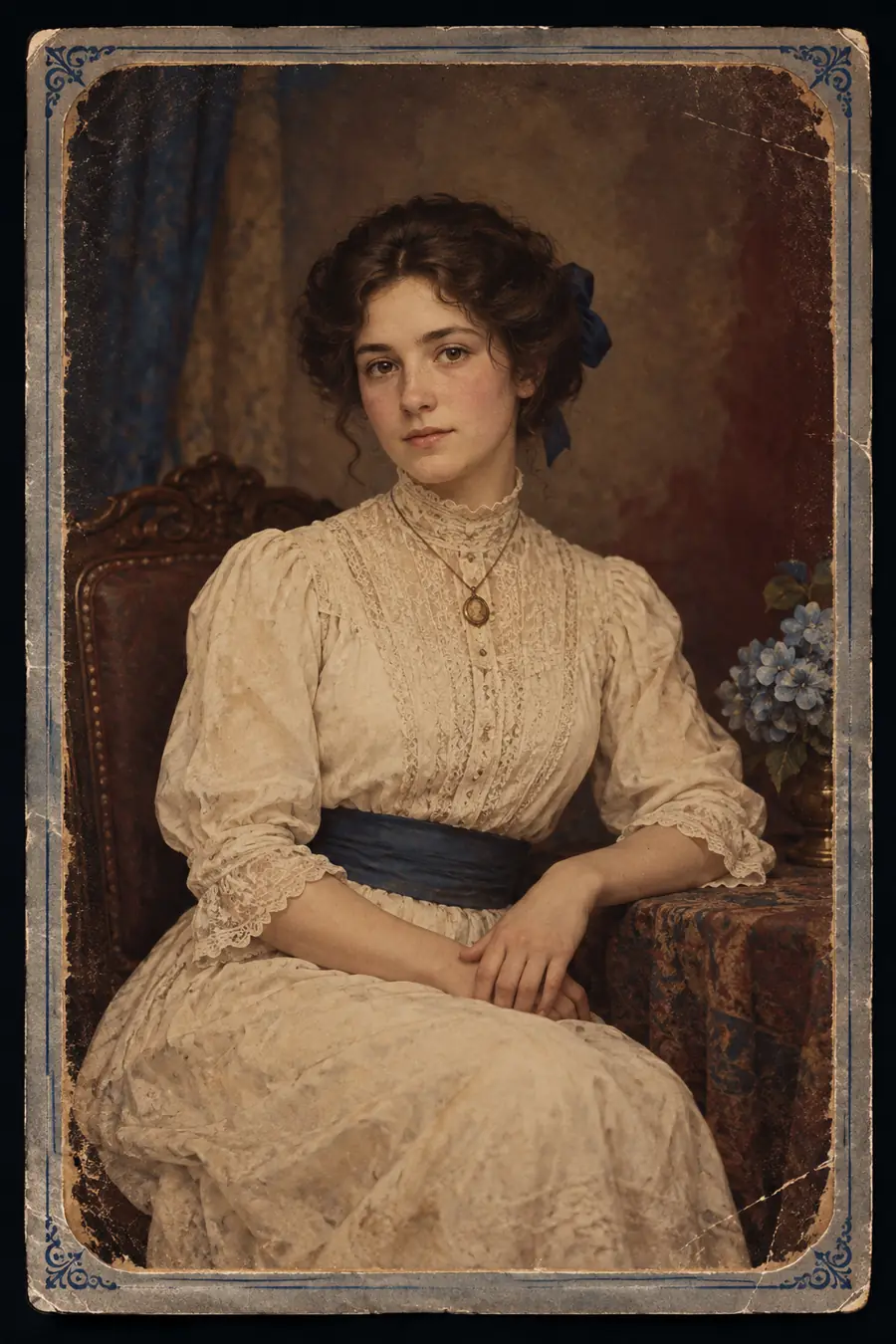
Visual comparison
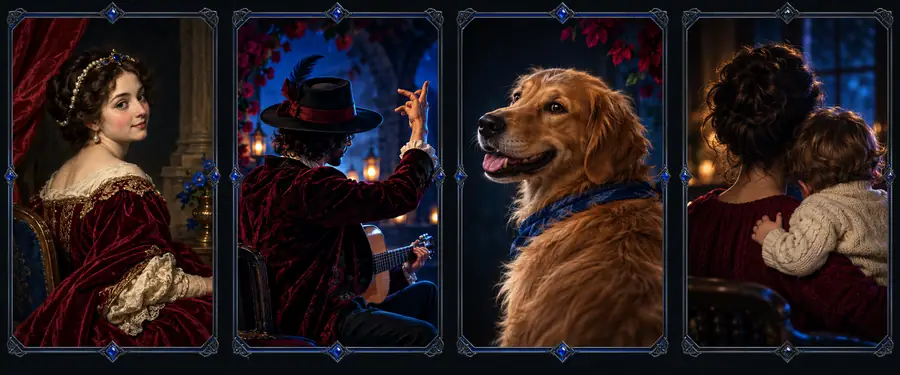
A useful comparison keeps the original framing visible while showing how small motion changes can alter the feeling of a still portrait.
Compare the face, framing, and visual identity first; judge the motion separately from the source image.
Delivery planning
Use this planning slider to estimate how many portrait outputs you want to review in one working batch and how many prompt variations that creates.
Output references
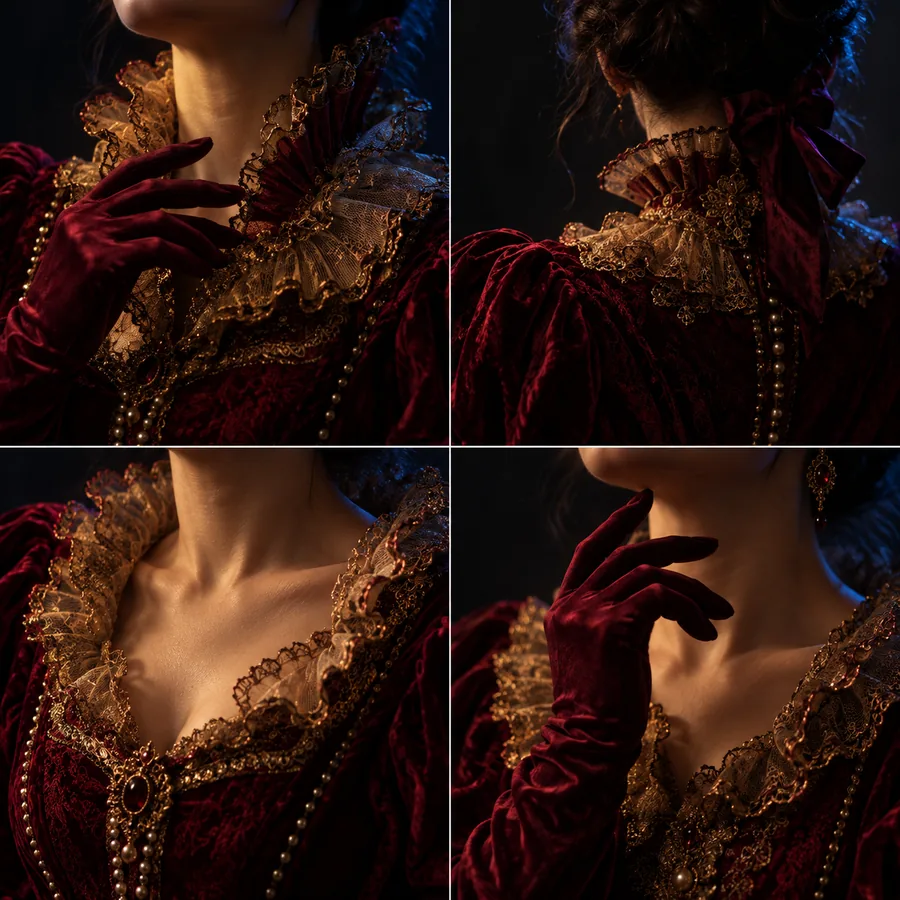
These examples cover the main kinds of material creators tend to bring into a portrait-animation workflow: human faces, artwork, animals, and cinematic presentation.
Human portrait
Gaze study
Illustration
Animal
Next experiment
Choose one clear source image, write a motion prompt with only a few deliberate actions, and compare the result against the original. Once the direction works, reuse the same structure for new subjects, styles, and short-form edits.
Common questions
Answers to practical questions people ask when looking for examples, references, and community discussion around portrait animation.
Search relevant AI, animation, image-generation, and creator communities for posts that include the source image and resulting clip. When reviewing a post, look for the prompt, input type, and motion settings so you can understand what actually produced the example.
Check whether the face remains consistent while the eyes, mouth, head, or expression move naturally. A useful example also makes the original input and the intended motion clear, instead of showing only an unlabeled final clip.
Yes, treat them as prompt structures rather than fixed scripts. Keep the subject description simple, name the specific movement you want, and add a constraint such as preserving the original identity, style, lighting, or framing.
They are useful for inspiration and workflow research, but a community post is not proof of licensing, quality, or production readiness. Check the rights to the source image and test your own inputs before using an output in a client or public project.