1
Starting point
Online workflow
Open the available hosted experience and prepare the inputs there.
Local workflow
Install the model, interface, dependencies, and supporting files first.
Portrait animation
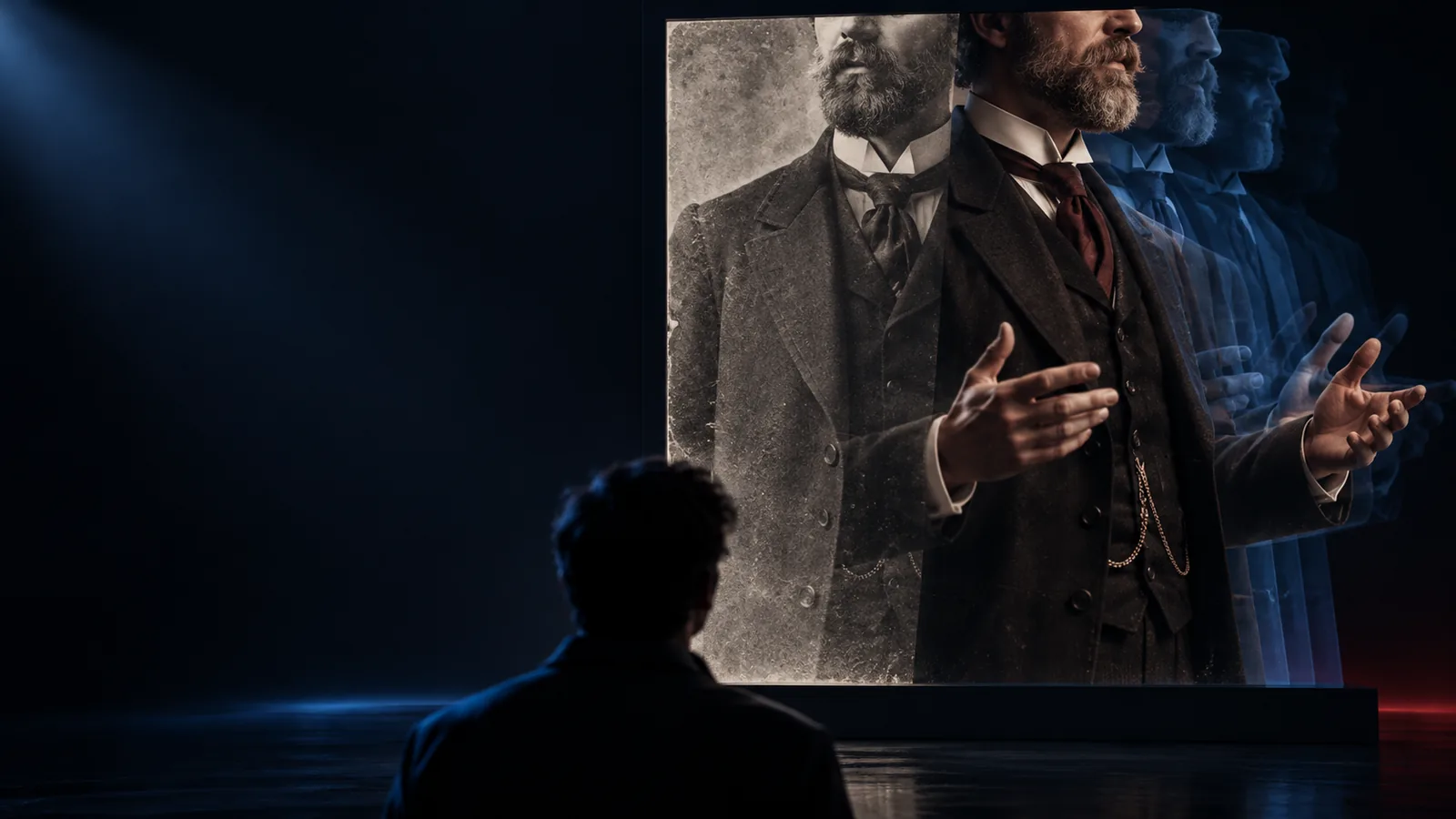
LivePortrait turns a still portrait and a motion reference into an expressive animation workflow. Start with a focused description, then review the available online handoff before sharing the result.
At a glance
An online workflow can reduce setup decisions while keeping the important choices visible: the source portrait, the motion reference, and the output you want to inspect.
Online workflow
Open the available hosted experience and prepare the inputs there.
Local workflow
Install the model, interface, dependencies, and supporting files first.
Online workflow
Check the portrait and motion source before handing them to the hosted tool.
Local workflow
Inspect files locally and adjust the pipeline before running inference.
Online workflow
Fewer environment decisions are exposed during the first test.
Local workflow
More control is available, but configuration becomes part of the task.
Online workflow
Useful for quickly comparing a few motion ideas and expressions.
Local workflow
Useful when repeatable settings and local batch work matter.
Online workflow
The interface determines which options are available to you.
Local workflow
The chosen UI or workflow can expose deeper model controls.
Online workflow
Confirm where files are sent and how the resulting animation is handled.
Local workflow
Keep the source and output within the local environment you manage.
Online workflow
Creators evaluating an idea before committing to a full setup.
Local workflow
Technical users who need detailed pipeline customization.
Workflow patterns
The same LivePortrait concept can support different starting points. Choose the path that matches your goal, then use the handoff to test one clear motion at a time.
You have a strong portrait and want to test a subtle smile, glance, or head movement for a short social clip.
A focused online test helps you judge expression and framing before planning a larger edit.
Test a portrait motionYou want to see whether a painted or stylized face can carry a natural movement without rebuilding the artwork.
A small experiment reveals how the chosen image responds to motion and where the style needs protection.
Try a stylized portraitYou are explaining image animation and need a simple example that separates source image, motion, and output.
A guided LivePortrait demonstration gives learners a concrete sequence to discuss and review.
Prepare a teaching exampleYou are comparing a hosted route with a local pipeline before deciding which environment deserves deeper testing.
A browser-first check clarifies the desired result and the controls you may need later.
Compare a first runWorking sequence
Keep the first pass narrow. One well-chosen portrait and one understandable movement make it easier to tell whether the result is useful.
Choose a clear portrait with a visible face, consistent lighting, and enough resolution for the expression to remain readable. Select a motion idea that can be described simply.
Use a concise prompt or instruction such as a gentle smile, a slight head turn, or a natural blink. Avoid combining several dramatic actions in the first test.
Inspect the animation for facial consistency, unwanted distortions, and framing changes. Adjust the source or movement description before trying a more ambitious variation.
Visual check
The goal is not to replace the portrait. It is to preserve its identity while introducing controlled movement that can be reviewed before it enters a larger project.
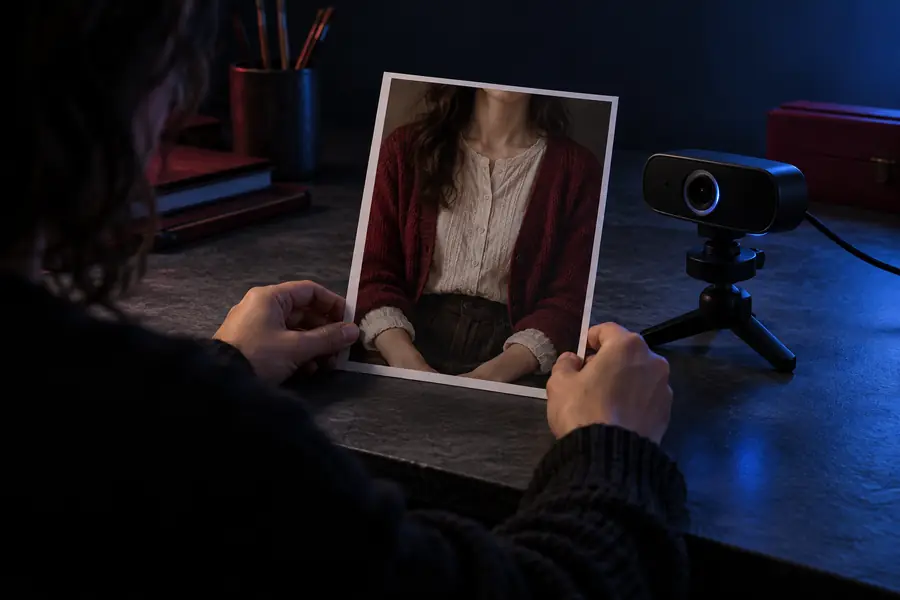
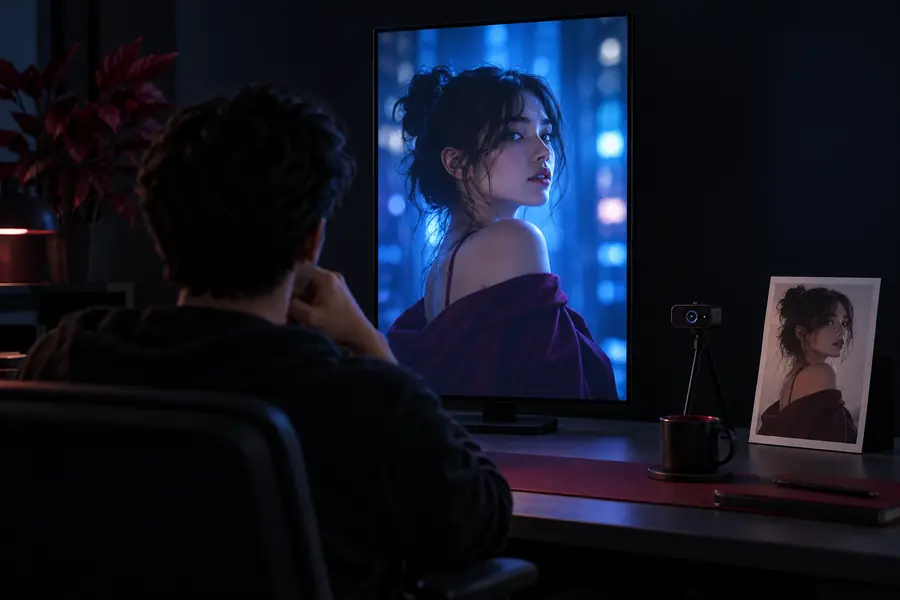
Compare identity, expression, and framing before sharing.
Choose a route
Online access is most useful when it removes unnecessary friction without hiding the decisions that affect quality and privacy.
Use a hosted interface when your immediate question is whether a portrait responds well to a particular movement. Keep the test small, review the result carefully, and record what you would change next.
Creators can use LivePortrait to explore whether a still image has enough clarity for animation. Subtle actions are easier to evaluate than a sequence packed with competing motions.
A hosted test can establish the visual target before you investigate a local interface or custom pipeline. If you need repeatability, private processing, or deeper settings, document those requirements explicitly.
Start with one idea
Bring one source image and one movement goal to the LivePortrait workflow. A focused first pass makes it easier to evaluate expression, consistency, and whether an online route suits the rest of your project.
Questions answered
Hugging Face is a common place to encounter hosted machine-learning demos, including portrait-animation experiments. Availability, interface controls, queue behavior, and file handling can vary, so check the specific demo before uploading an important image.
You generally need a portrait image and a motion source or movement instruction, depending on the interface. The exact input types and output options belong to the hosted implementation, not to the model name alone.
No. An online route can simplify environment setup, while a local route may offer more control over files, settings, and repeatability. The right choice depends on your privacy requirements and the amount of configuration you need.
Choose a clear face with useful lighting and minimal obstruction, then begin with a restrained movement such as a blink, smile, or small head turn. Review identity, expression, framing, and unwanted artifacts before attempting a more complex motion.